
iPhone planner · In development
One day
at a time.
Plan a study session, remember the groceries, or get out for a walk. In myBusy Day, a little illustrated companion keeps you company through it all.
Look insideiOS 17+ / English & Costa Rican Spanish
 Field notes / Gentle Sloth
A day in myBusy Day
Swipe to browse. Select a screenshot for a closer look.
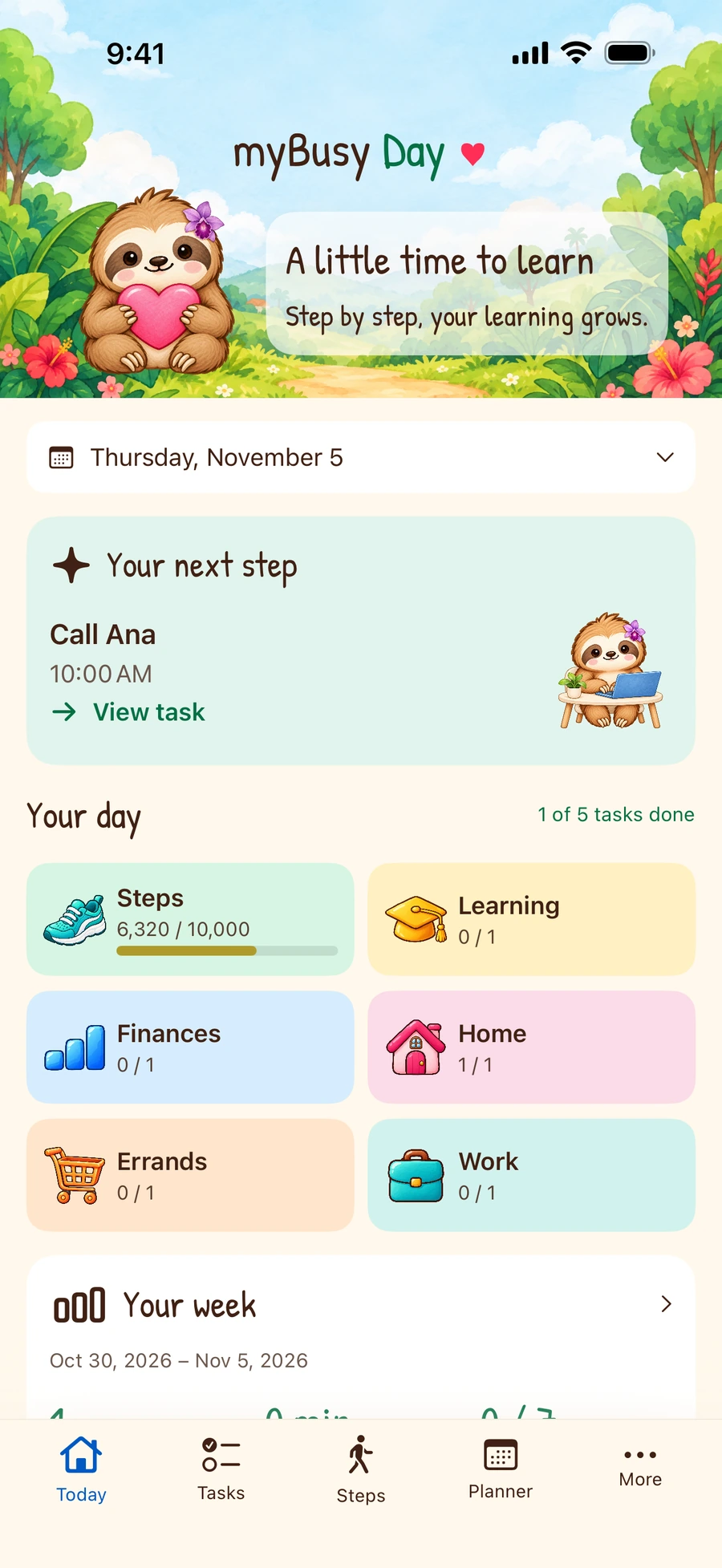
Start with one thing
See your next task and the rest of your day at a glance.
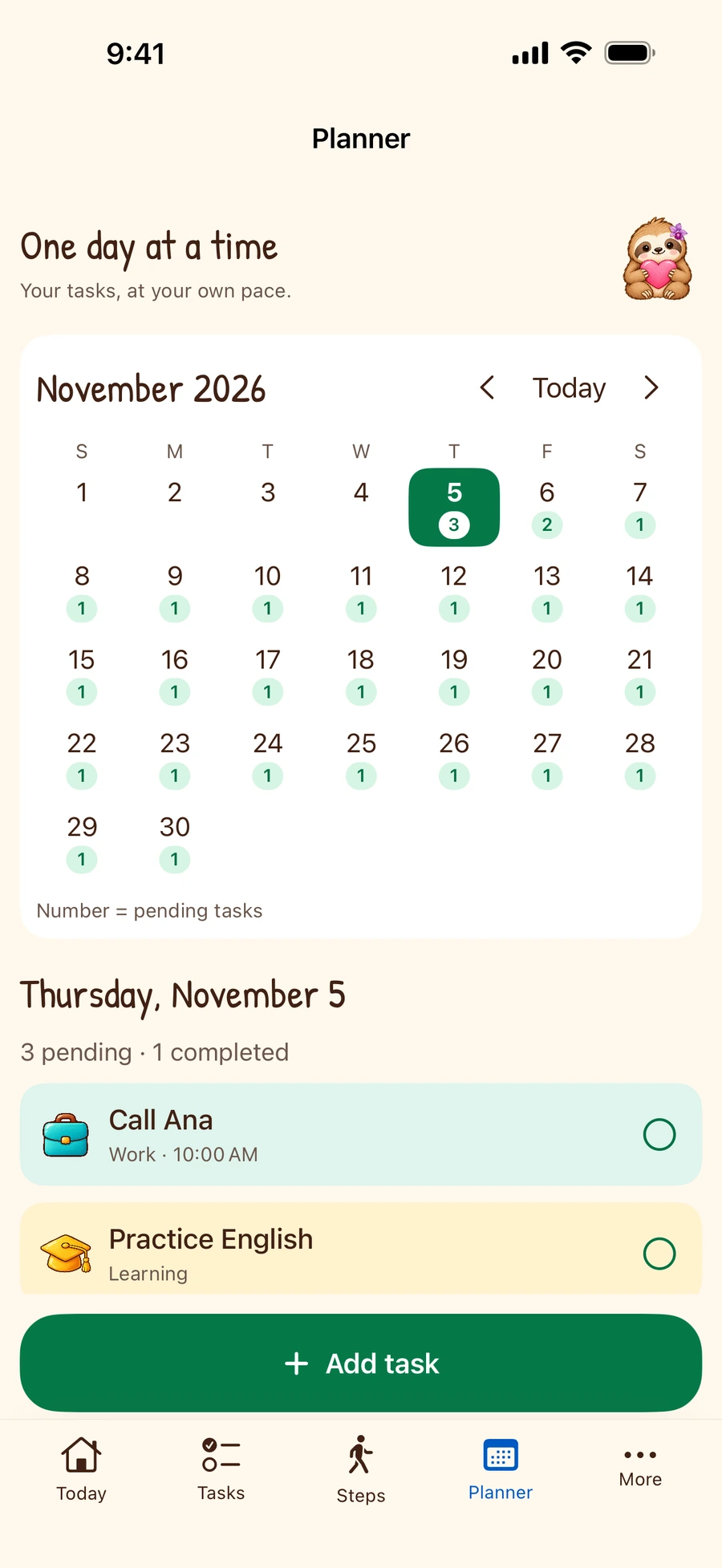
Give it a day
Pick a date to see its agenda or add a task.
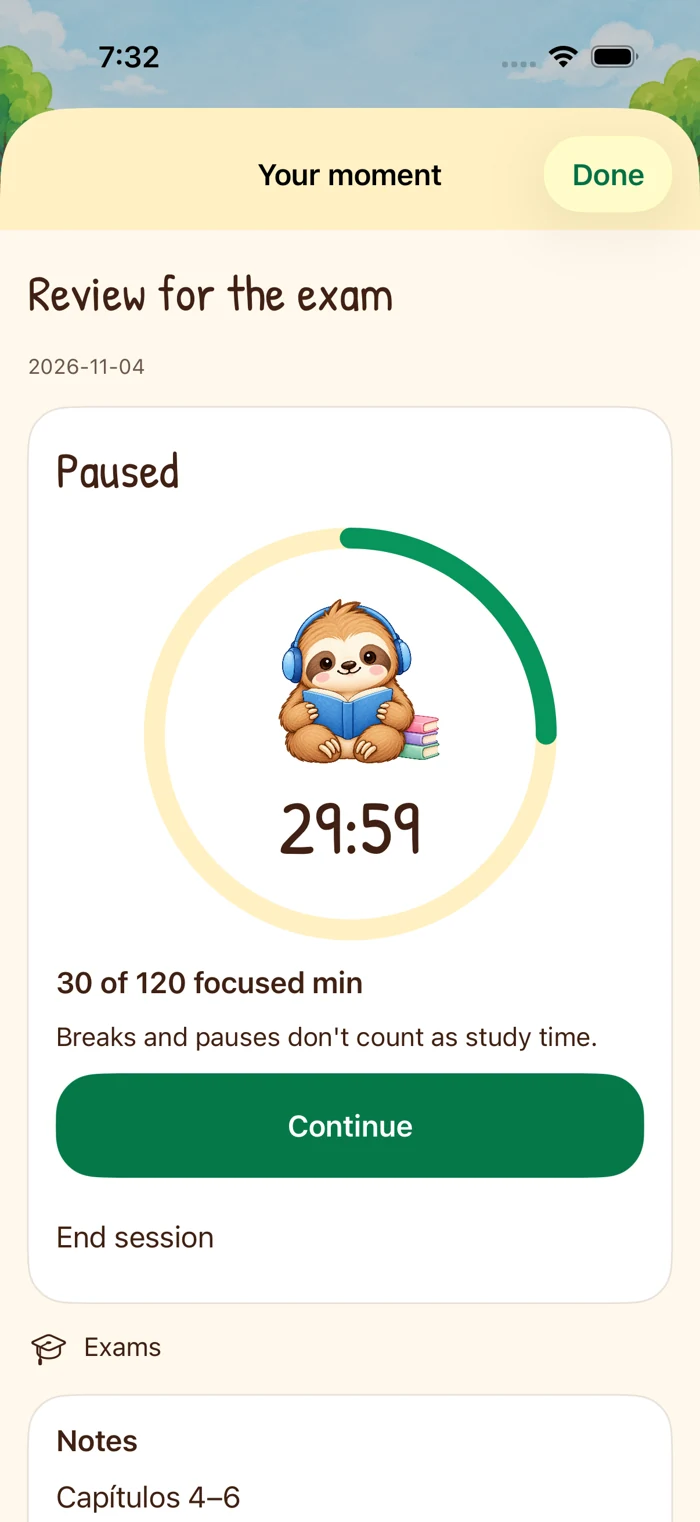
Make time to focus
Give a study task a timer. Pause for a break and continue when you’re ready.
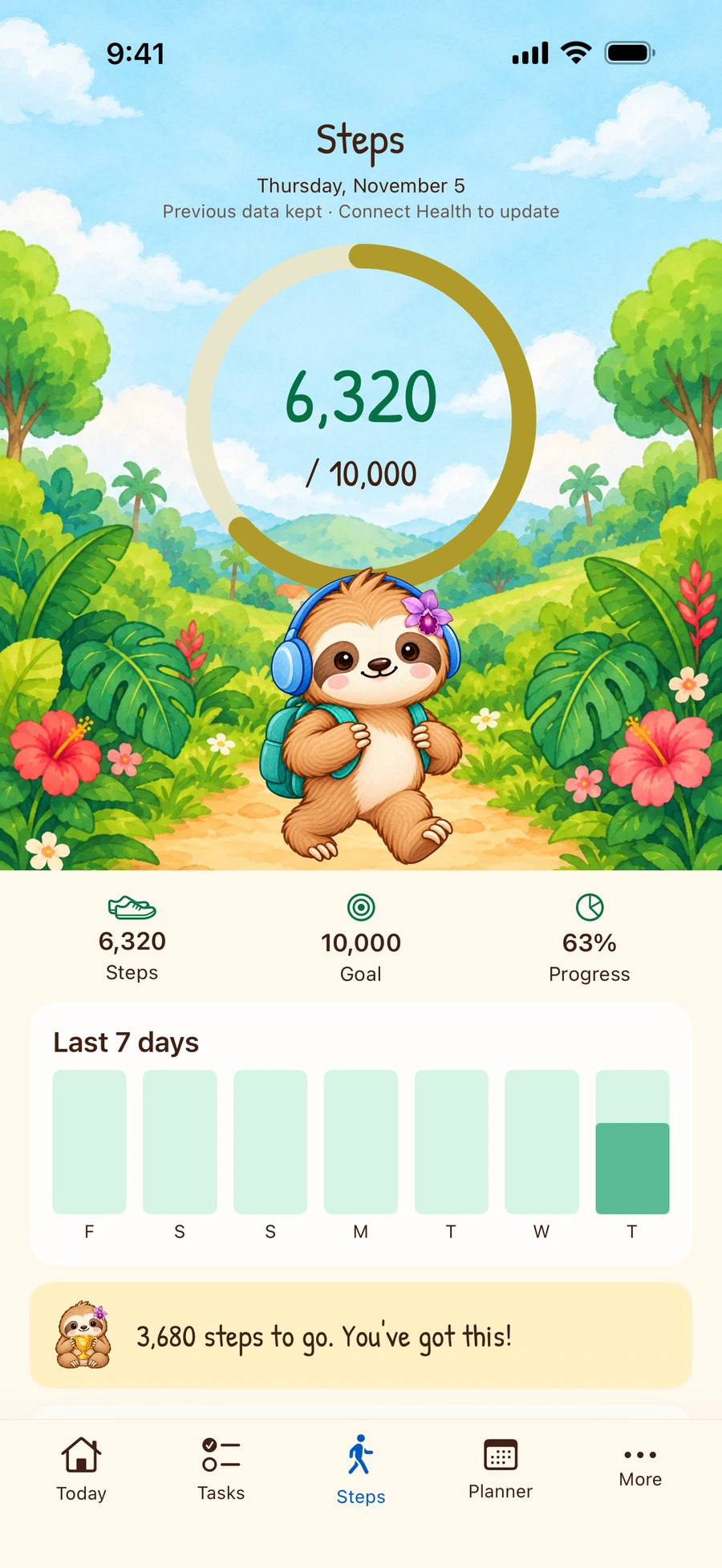
Take the scenic route
Connect Apple Health to see your steps against a daily goal.
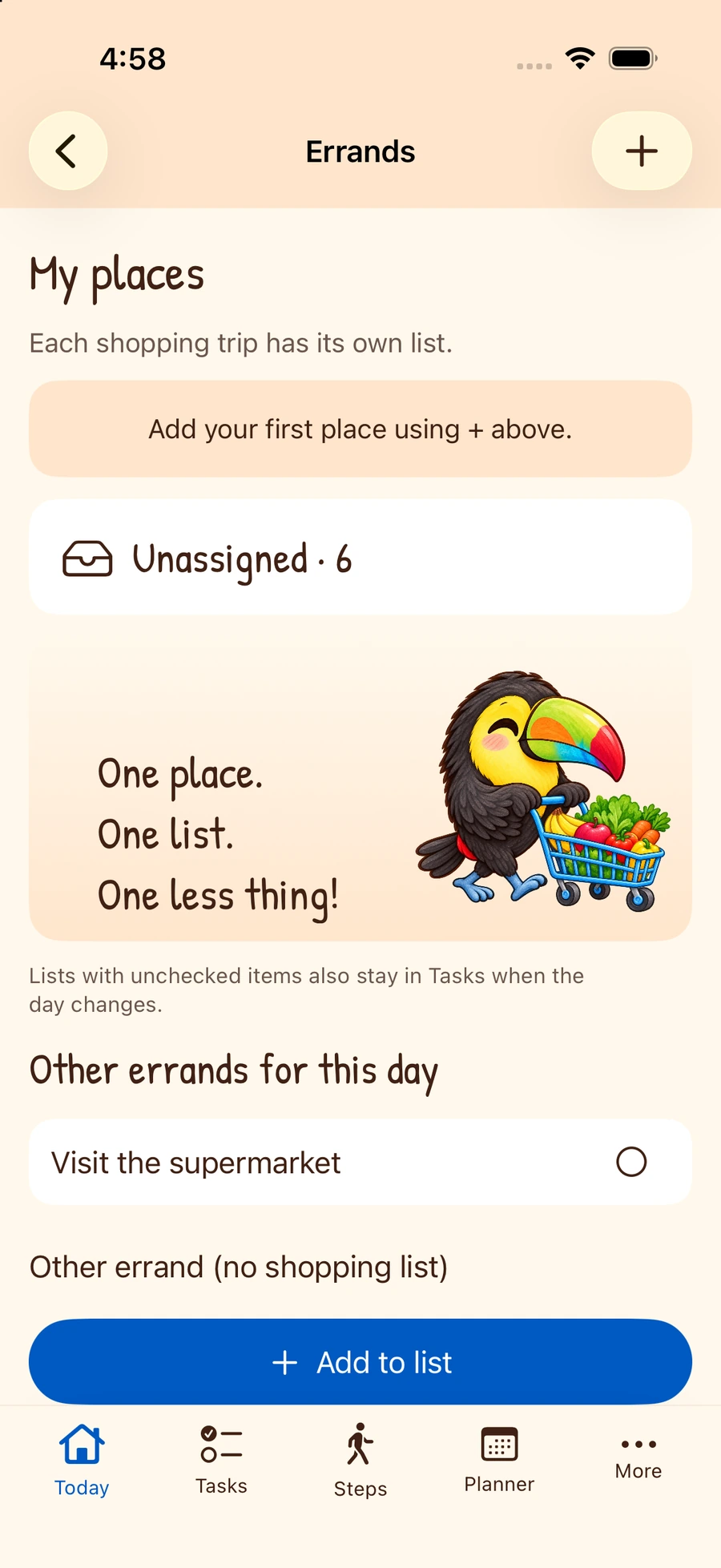
Remember the list
Group groceries by store. Unchecked items stay on your list for the next trip.
Pick a familiar face.
A gentle sloth, a toucan, a capuchin, or a parakeet can join you. Change companions in Settings whenever you like.




Keep it on your iPhone.
Your routines, task notes and savings envelopes stay on your device. Step counting and local reminders are optional.
How privacy works →